Courses
22 results for:


Rust Tutorial For PHP and JavaScript Developers
BeginnerIf you liked it, a tiny subscribe, like, or comment below would mean the world 🙏 Thanks for watching! ❤️ sponsor this channel: https://nunomaduro.com/sponsorships 🙌🏻 this video was made possible by: 🛠️ jetbrains / code with phpstorm for world-class php development: https://jb.gg/nuno 🔴 redberry / work with the best laravel digital agency: https://redberry.international/?ref=nunomaduro 📱nativephp / build real native mobile apps with laravel: https://nativephp.com/?ref=nunomaduro 🔥 unstoppable / the IDE for your unstoppable agent factory: https://app.unstoppable.ai/code?utm_source=nuno 🐰 coderabbit / ai code reviews with instant feedback on pull requests: https://coderabbit.link/nunomaduro ⚡️ typesense / cutting-edge, in-memory search engine for mere mortals: https://typesense.org/?ref=nunomaduro 🔎 serpapi / instantly access real-time search data from Google, Amazon, and more: https://serpapi.com/?ref=nunomaduro 🗣️ tts at $5 / donations: https://streamlabs.com/nunomaduro/tip ✨ socials: x: https://x.com/enunomaduro website: https://nunomaduro.com twitch: https://twitch.tv/nunomaduro tiktok: https://tiktok.com/@enunomaduro linkedin: https://linkedin.com/in/nunomaduro instagram: https://instagram.com/enunomaduro #laravel #php #ai #claudecode #vibecoding #coding #webdev #programming #linux #omarchy


Claude Code Tutorial: Beginner to Advanced in 20 Minutes
BeginnerClaude Code Tutorial: Beginner to Advanced in 20 Minutes. Join our FREE community with free prompts & guides: https://www.skool.com/ai-launchpad/about Chapters: 0:00 - Intro 1:10 - What is Claude & Setup 3:54 - Plan mode & prompting 6:18 - First results & Iteration 8:18 - Claude.md & MCP 12:12 - Context management & extended thinking 16:10 - Deploy your builds 17:07 - Skills & Hooks & Routines 18:39 - Outro For business inquiries including sponsorships and collaborations, please email: business@zinhomedia.com


Build and Deploy an N8N & Zapier Clone | Next.js 15, React, Better Auth, Polar | Full Course 2025
Intermediate💻 Source Code: https://cwa.run/nodebase 🎨 Free Assets: https://cwa.run/node-assets 🎥 Part 2: https://youtu.be/S-4DrLHtL1s?si=n4a7jM4FUWf9NN32 📚 Resources: Try Inngest: https://cwa.run/node-inngest Try Polar: https://cwa.run/node-polar Try Better Auth: https://cwa.run/node-auth Try Sentry: https://cwa.run/sentry Try CodeRabbit: https://cwa.run/node-rabbit Try Neon: https://cwa.run/node-neon In this tutorial, we're building Nodebase, a complete workflow automation platform from scratch. You'll learn how to create a visual drag-and-drop canvas for building workflows, integrate multiple triggers and AI providers, handle background job execution, and build a full SaaS business layer with authentication, subscriptions, and paywalls. We'll also cover error tracking with AI monitoring and a professional Git workflow with AI-powered code reviews. Key features: 🔄 Visual workflow builder 🎯 Trigger nodes (Webhook, Google Form, Stripe, Manual) 🤖 AI integrations (OpenAI, Claude, Gemini) 💬 Messaging nodes (Discord, Slack) 🌐 HTTP request node ⚡ Background job execution with Inngest 💳 Polar payments & subscriptions 🔐 Better Auth authentication 🎨 React Flow canvas 🗄️ Prisma ORM + Neon Postgres 🔒 Type safety with TypeScript + tRPC 🐛 Sentry error tracking + AI monitoring 🧑💻 CodeRabbit PR reviews 🌐 Next.js 15 App Router 📱 Production-ready SaaS Timestamps 00:00 Intro 06:05 01 Setup 29:33 02 Database 56:15 03 tRPC Setup 01:35:21 04 Authentication 02:37:24 05 Theme & Styling 02:55:05 06 Background Jobs 03:28:09 07 AI Providers 04:01:53 08 Error Tracking 04:27:54 09 Sidebar Layout 05:06:26 10 Payments Setup 05:44:04 11 Workflows Crud 06:45:20 12 Workflows Pagination 07:34:34 13 Workflows UI 08:23:40 14 Workflow Page 08:59:36 15 Editor Setup 09:50:42 16 Node Selector 10:40:32 17 Editor State 11:59:20 End of Part 1


Claude Agent SDK [Full Workshop] — Thariq Shihipar, Anthropic
IntermediateLearn to use Anthropic's Claude Agent SDK (formerly Claude Code SDK) for AI-powered development workflows! https://platform.claude.com/docs/en/agent-sdk/overview https://x.com/trq212 **AI Summary** This workshop by Thariq Shihipar (Anthropic) details the architecture and implementation of the **Claude Agent SDK**. The session moves from high-level theory—defining "agents" as autonomous systems that manage their own context and trajectory—to a live-coding demonstration. Shihipar builds an agent "Harness" from scratch, implementing the core **Agent Loop** (Context Thought Action Observation), integrating the **Bash tool** for general computer use, and demonstrating **Context Engineering** via the file system to maintain state across long tasks. **Timestamps** 00:00 Introduction: Agenda and the "Agent" definition 05:15 The "Harness" concept: Tools, Prompts, and Skills 10:10 Live Coding Setup: Initializing the Agent class and environment 15:45 implementing the "Think" step: Getting the model to reason before acting 25:20 The Agent Loop: connecting `act`, `observe`, and `loop` 33:10 Tool Execution: Handling XML parsing and tool inputs 42:00 The "Bash" Tool: Giving the agent command line access 49:30 Safety & Permissions: "ReadOnly" vs "ReadWrite" file access 58:15 Context Engineering: Using `ls` and `cat` to build dynamic context 01:05:00 The "Monitor": Viewing the agent's thought process in real-time 01:12:45 Handling "Stuck" States: Feedback loops and error correction 01:21:20 Multi-turn Complex Tasks: Building a "Research Agent" demo 01:35:10 Refactoring patterns: "Hooks" and deterministic overrides 01:48:39 Q&A: Reproducibility, helper scripts, and non-determinism 01:50:31 Q&A: Strategies for massive codebases (50M+ lines) 01:52:00 Closing remarks and future SDK roadmap * **Evolution of AI Capabilities:** Shihipar argues we are shifting from **LLM Features** (categorization, single turn) to **Workflows** (structured, multi-step chains like RAG) to **Agents**. He defines agents as systems that *"build their own context, decide their own trajectories, and work very autonomously"* rather than following a rigid pipeline. * **The Claude Agent SDK Architecture:** The SDK is built directly on top of **Claude Code** because Anthropic found they were *"rebuilding the same parts over and over again"* for internal tools. * **The Harness:** A robust agent requires more than just a model; it needs a "Harness" containing Tools, Prompts, a **File System**, Skills, Sub-agents, and Memory. * **Opinionated Design:** The SDK bakes in lessons from deploying Claude Code, specifically the "opinion" that general computer use (Bash) is often superior to bespoke tools. * **The Agent Loop & Intuition:** Building a successful agent loop is described as *"kind of an art or intuition"*. The loop generally follows a **Gather Context Take Action Verify Work** cycle. Shihipar emphasizes that this loop allows the agent to self-correct, a capability missing from rigid workflows. * **Strategies for Determinism (Hooks):** During the Q&A, a technique for controlling agent behavior is discussed: **Hooks**. * If an agent hallucinates or skips a step (e.g., guessing a Pokemon stat instead of checking a script), a hook can intercept the response and inject feedback: *"Please make sure you write a script, please make sure you read this data."* * This enforces rules like "read before you write" without retraining the model. * **Scaling to Large Codebases:** For massive codebases (50M+ lines), standard tools like `grep` or basic context window stuffing fail. * **Semantic Search Limitations:** Shihipar notes that while semantic search is a common solution, it is *"brittle"* because the model isn't trained on the specific semantic index. * **Solution:** He recommends good **"Claude MD"** files (context files) and starting the agent in a specific subdirectory to limit scope, rather than trying to index the entire 50M lines at once. --- Watch along with the corrected transcript, summary, timestamps and resources on this talk's official AIE page: https://ai.engineer/talks/TqC1qOfiVcQ-claude-agent-sdk-workshop Join our upcoming AI Engineer conferences (see https://ai.engineer landing page): - AIEi Shanghai, November 5–6 — the first for meeting top Chinese labs and engineers - AIE CODE in SF, November 10–12 — the top AI Coding conference returns - AIEi Sydney, December 7–8 — the first AIEi run alongside NeurIPS 2026 in Sydney ---


AI Built Our ENTIRE Elixir App in 2 Hours (ft. Claude Code + Tidewave)
IntermediateWatch us build a complete real-time polling app using ONLY AI! Andrew Stewart (@srcrip) & Daniel Bergholz (@DanielBergholz) join me as we let Claude Code + Tidewave do ALL the coding. No manual code writing allowed! We built authentication, real-time voting, dynamic forms, live updates, and a polished UI - all through AI prompts. The result? A fully functional Phoenix LiveView app with 13 commits in just 2 hours! 00:00 - Introduction and sponsor message 04:00 - Setting up the live coding challenge and polling the audience 09:00 - Introducing Claude Code and the wild card project selection 15:25 - Installing and configuring Claude Code for the first time 23:30 - Setting up Tidewave MCP for Elixir integration 32:00 - Creating the Phoenix project and initial setup 40:00 - Building polls schema and embedded options 48:00 - Implementing Phoenix authentication with gen.auth 1:05:00 - Creating live views and dynamic forms 1:20:00 - Adding real-time voting functionality with PubSub 1:27:00 - Debugging with Tidewave's powerful runtime integration 1:35:00 - Building authorization and user permissions 1:45:00 - Adding vote changing functionality and UI polish 1:55:00 - Creating a stunning homepage with Claude's design skills 2:05:00 - Setting up GitHub workflow and creating pull request 2:15:00 - Wrap-up and reflections on AI-assisted development Tools Used: Claude Code (agentic terminal AI) Tidewave MCP (Elixir runtime integration) Phoenix LiveView + Tailwind CSS Judge Our Vibe Code: Open PR: https://github.com/ElixirMentor/pulse_vote/pull/1 Connect: Andrew: @srcrip Daniel: @DanielBergholz Support Elixir Mentor: https://elixirmentor.com/?utm_source=elixir-mentor #TideWave #ClaudeCode #ElixirLang #PhoenixFramework #AIcoding #VibeCoding #LiveView #ElixirMentor
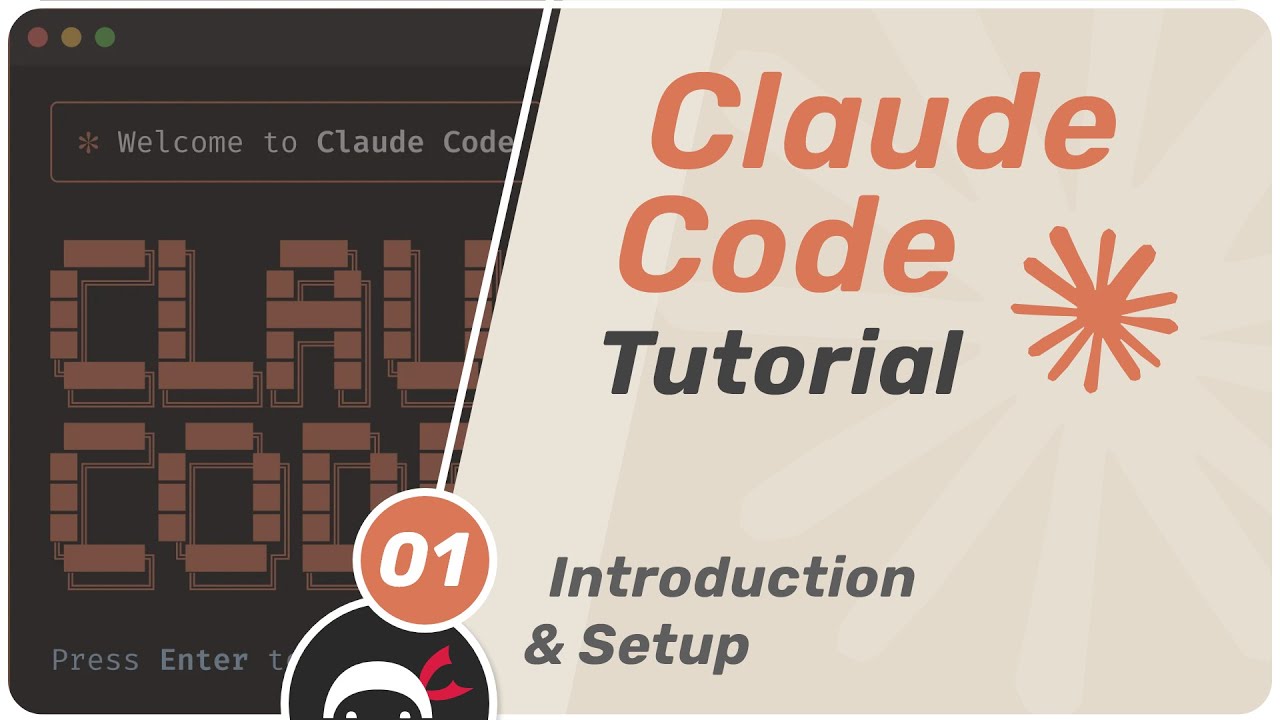

Claude Code Tutorial
IntermediateLearn how to use Claude Code in your development workflow. Learn about prompting, CLAUDE.md files, context, MCP servers, subagents and more.


Code w/ Claude Developer Conference
IntermediateCode with Claude—our first developer conference—took place on May 22, 2025 in San Francisco. Code with Claude was a hands-on, one-day event to announce Claude 4 models as well focusing on exploring real-world implementations and best practices using the Anthropic API, CLI tools, and Model Context Protocol (MCP).