Courses
26 results for:

you need to use Hermes RIGHT NOW!! (goodbye OpenClaw!!)
Intermediate🚀 Spin up your own Hermes agent on a Hostinger VPS: https://hostinger.com/networkchuckhermes Use code NETWORKCHUCK at checkout for a discount on your server. Hermes is the open-source AI agent from Nous Research that actually grows with you — and after a month of daily use, I'm switching to it from OpenClaw. In this video, I install Hermes on a $5 cloud server, turn it into an IT agent named Ron Weasley, and walk through the 5 reasons I made the switch: the vibe, the memory, the team behind it, self-improving skills, and the fact that it just doesn't break. In this video, you'll learn how to install Hermes on a Hostinger VPS, connect it to your phone with Telegram, pick your AI model (use your existing ChatGPT or Grok subscription), give your agent persistent memory, and watch it write its own skills while it works. Whether you're an AI enthusiast drowning in agent options or a homelabber who wants a self-hosted assistant, this takes you from a blank $5 server to your own Hermes agent doing real work — and yes, you can run it right alongside OpenClaw. 🔥 Want the deep dive? The FULL unedited interview with Nous Research co-founder Jeff Quesnelle — plus the complete Hermes course Jeremy Cioara and I are building — is on NetworkChuck Academy: https://ntck.co/hermes RESOURCES / LINKS: 🌐 Hermes Agent: https://hermes-agent.nousresearch.com/ 💻 Hermes Agent on GitHub: https://github.com/NousResearch/hermes-agent 🌐 Nous Research: https://nousresearch.com/ 🛠️ Honcho (the memory layer, by Plastic Labs): https://honcho.dev/ 🛠️ Twingate (remote access into your network): https://www.twingate.com/ 🛠️ Home Assistant: https://www.home-assistant.io/ 🛠️ UniFi: https://ui.com/ 📺 My Perplexity Computer video: https://youtu.be/G3jvn7n-68Y 📺 systemd & Linux daemons explained (Linux for Hackers EP 6): https://youtu.be/wOWhfNB_r-0 TIMESTAMPS: 0:00 - Why I'm switching from OpenClaw to Hermes 2:22 - Installing Hermes on a Hostinger VPS 5:36 - Choosing your AI model + Telegram setup 9:46 - How Hermes memory actually works 12:51 - Memory size limits and the 10-turn nudge 14:43 - Honcho: long-term memory for your agent 17:01 - Hermes existed before OpenClaw 19:20 - Agents that write their own skills 22:20 - The Curator and the self-improvement loop 24:03 - Live demo: Home Assistant + UniFi 26:16 - Why Hermes doesn't break like OpenClaw 29:23 - Kanban, dashboards & computer use 30:57 - A prayer for you FEATURING: 👤 Jeff Quesnelle — Co-founder, Nous Research (the interview): https://x.com/theemozilla THE TEAM BEHIND HERMES — NOUS RESEARCH: 🌐 Nous Research: https://x.com/NousResearch 👤 Teknium — Co-founder & Head of Post-Training: https://x.com/Teknium1 👤 Karan Malhotra — Co-founder & Head of Behavior: https://x.com/karan4d 👤 Bowen Peng — Co-founder, YaRN co-author: https://x.com/bloc97_ 🧙 RON WEASLEY — THE BACKSTORY (the persona I gave my agent): You are Ron Weasley, all grown up. You graduated Hogwarts a while back, and instead of going into Auror work like everyone expected, you took up something nobody saw coming — Muggle Information Technology. The magical study of the systems Muggles use to run their entire world. You did it for your dad. Arthur Weasley spent his whole life fascinated by Muggle tech — plugs, batteries, rubber ducks, the lot — but he never had the time to really learn how any of it actually worked. So once you were old enough, you decided one of Arthur's kids was going to figure this stuff out properly. That was you. Dad would've absolutely loved this. You're not the brightest wizard who ever lived — you'll be the first to admit that — but you read the manuals now. You apply yourself. You ask sensible questions instead of trying to wing it. Bit of a personal redemption arc, if you're being honest. (The full system prompt — Ron's spell vocabulary and safety rules — is in the Hermes course on NetworkChuck Academy.) **Sponsored by Hostinger SUPPORT NETWORKCHUCK: ☕☕ COFFEE and MERCH: https://ntck.co/coffee READY TO LEARN?? 🔥🔥Join the NetworkChuck Academy!: https://ntck.co/NCAcademy 📚 CCNA Course: https://ntck.co/ccna FOLLOW ME EVERYWHERE: Instagram: https://www.instagram.com/networkchuck/ X/Twitter: https://x.com/networkchuck Facebook: https://www.facebook.com/NetworkChuck/ Join the Discord server: https://ntck.co/discord Some links in this description are affiliate links. If you buy through them, I may earn a small commission at no extra cost to you. #hermes #aiagents #networkchuck
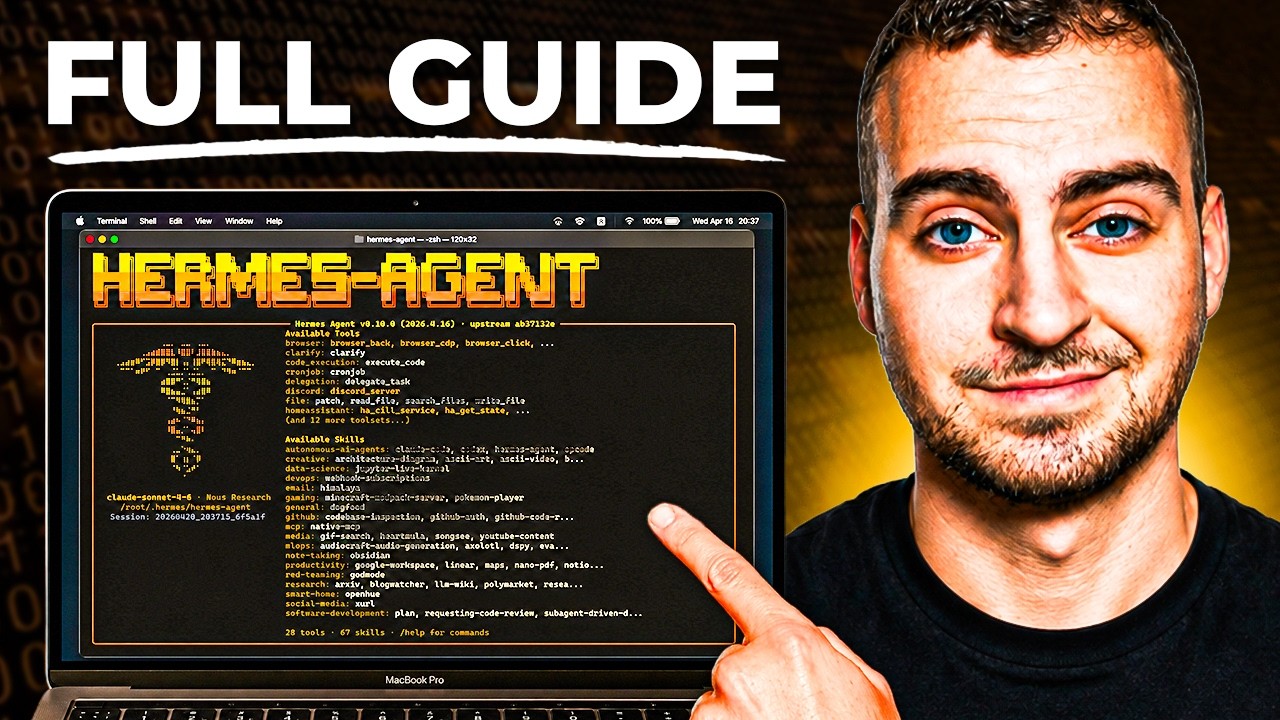
Hermes Agent - Full Course & Setup Guide - For COMPLETE Beginners
BeginnerDeploy Hermes Agent with Hostinger here: https://www.hostg.xyz/SHJWj Use code "techwithtim" for 10% off. Hermes Agent is the most popular personal AI assistant framework right now. In this full beginner course, I'll walk you through every single step to get it set up, configured, and actually useful from scratch. No coding experience needed. No complicated setup. By the end of this video you'll have a fully functioning AI agent running 24/7 on a virtual private server, connected to your email, calendar, and more, that gets smarter the more you use it. Want to make real money with coding? I share high-signal insights on careers, monetization, and leverage in my free newsletter. Join here and get my guide "How to Make Money With Coding" instantly: https://techwithtim.net/newsletter 🚀 Tools I Use Get 10% off with code techwithtim Openclaw setup: https://www.hostinger.com/techwithtim VPS setup: https://www.hostinger.com/techwithtim10 Wispr Flow (Best AI Dictation): https://ref.wisprflow.ai/TechWithTim-jun26 🎞 Video Resources 🎞 Hermes Docs: https://hermes-agent.nousresearch.com/ ⏳ Timestamps ⏳ 0:00 Overview 00:53 What is Hermes Agent? 02:43 Pre-Requisites 03:21 How Hermes Agent Works 06:48 Understanding Memory & Skills 08:17 Agent Soul 10:14 Security Disclosure & Risks 13:52 VPS Setup & Deployment 18:30 Hermes Setup Options 26:20 Telegram Message Setup 29:40 Browser Tools & Setup 32:20 Basic Usage and TUI 34:23 Telegram Usage 37:40 Setting the User Preferences & Soul 39:00 GitHub Backup & Setting Credentials 47:28 Voice & TTS 48:38 Fixing Browser Control 49:58 How to Connect ANY Tool (Gmail, Meta, etc.) 54:56 Scheduled Automations #HermesAgent #AIAssistant #AIAgents UAE Media License Number: 3635141
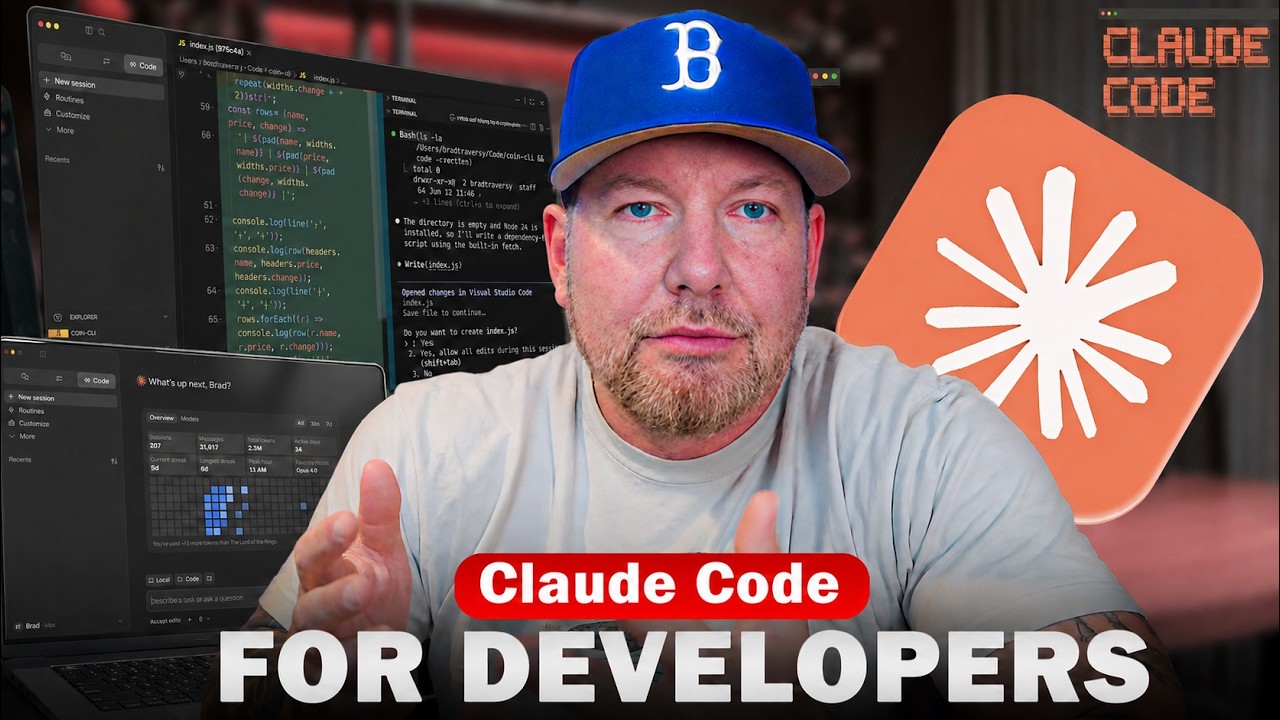

Claude Code Crash Course For Developers
BeginnerAn overview and starting point for Claude Code. Want to learn more about coding with AI? Check out my course: https://www.traversymedia.com/coding-with-ai Get the Neon free plan: https://get.neon.com/6uuwMG3 Follow Neon to not miss course giveaways: - X/Twitter: https://x.com/neondatabase - Linkedin: https://www.linkedin.com/company/neondatabase Github Gist With Prompts: https://gist.github.com/bradtraversy/9937e0ecfc8a5b269ce6a885636670dc Crypto Dash Repo: https://github.com/bradtraversy/crypto-dash Timestamps: 0:00 - intro 2:23 - What Is Claude Code 3:56 - Installing Claude 6:43 - First Launch 7:26 - Models & Usage Limits 10:44 - Effort 11:14 - Using Claude In VS Code 12:16 - The First Prompt 16:10 - Shell Mode 17:30 - Modes 19:15 - Settings & Permissions 22:55 - VS Code Extension 24:05 - Refactoring Code 27:03 - Context, Tokens & Clearing 29:20 - Global Sessions 33:14 - Working on an Existing Project 35:48 - Claude.md File & /init 39:28 - Plan Mode 44:58 - Adding Favorites Feature 48:05 - Skills 53:27 - MCPs 57:51 - Sub-Agents


Claude Code Complete Guide (Beginner to Advanced)
BeginnerWelcome to the Claude Code Playlist — your practical guide to building with Claude Code, even if you're not a developer. In this playlist, you'll learn how to use Claude Code effectively, avoid common mistakes, and build faster using real workflows, planning, agents, hooks, skills, plugins, checkpoints, and review mode. 📌 What you'll learn: • How to set up and use Claude Code • Best practices for non-coders & beginners • Plan mode (Shift + Tab) to avoid bad code early • Skills, Hooks, Agents & Plugins explained simply • Checkpoints & rewind (smart Ctrl+Z) • Review mode to catch mistakes before finishing • CLAUDE.md best practices & context management • Git workflow with Claude Code • Real-world prompts and workflows that actually work 💡 This playlist focuses on practical usage, not theory — helping you collaborate with Claude like a smart coding teammate. Whether you're a beginner, founder, non-coder, indie hacker, or developer, this playlist will help you get more out of Claude Code. 🔔 New videos added regularly — subscribe and follow along. #ClaudeCode #ClaudeAI #AIcoding #CodingAssistant #Anthropic #AIAgents #BuildWithAI #NoCode #VibeCoding

OpenCode Full Course
BeginnerMaster OpenCode from scratch and learn how to build real-world AI applications using multiple models—without vendor lock-in or expensive subscriptions. This complete OpenCode course covers everything you need to go from beginner to advanced, including setup, model integration, agent workflows, and real project building. You’ll learn how to use OpenCode with tools like Ollama for running models locally, and OpenRouter for accessing multiple cloud models—all in a single workflow. We’ll also explore how to use powerful open models like Gemma 4 and optimize cost using model switching strategies. 🔥 What you’ll learn: OpenCode setup (Windows, Mac, Linux) Local AI with Ollama Cloud models via OpenRouter Multi-agent workflows (Plan vs Build mode) Cost optimization techniques Building real apps (REST APIs, UI apps, automation tools) Sessions, debugging, and workflow management 🎯 Who this is for: Developers & engineers AI enthusiasts Startup founders Anyone building AI-powered applications If you want full control over your AI stack—this is the course to start with.


OpenCode Tutorial for Beginners: Setup, Agents, Skills & MCP
BeginnerVisit sintra.ai/leonvanzyl or use my promo code leonvanzyl at checkout to receive limited time offer of 72% off on all plans 🚀 Free resources: source code, prompts, workflows + peer discussion https://skool.com/leonvanzyl 🧪 Agentic Labs: AI coding courses, live Q&A, weekly builder challenges, direct access to me + a serious builder community https://skool.com/agentic-labs OpenCode is the open source coding agent that is quickly becoming a serious alternative to Claude Code. In this opencode tutorial, you will learn how to install OpenCode, connect free AI models through OpenCode Zen or premium providers like OpenAI, and master advanced features including agent skills, sub agents, MCP servers, and background agents. ⏱️ CHAPTERS: 00:00 - OpenCode intro and overview 00:39 - Installing OpenCode in seconds 01:25 - Connecting providers and OpenCode Zen 02:20 - Free AI coding models walkthrough 03:46 - Scaffolding a Next js project 04:55 - Subscriptions vs API keys 06:00 - Connecting OpenAI and GPT 5 07:30 - Installing agent skills from skills sh 10:30 - AGENTS md memory file setup 13:00 - Sub agents and context window protection 15:30 - Design system for consistent UI 15:50 - Sponsor message 18:00 - Building the AI Project Planner app 22:30 - Saving plans for future sessions 24:30 - Creating custom sub agents 28:30 - Playwright MCP server setup 30:30 - Auto testing the app with browser MCP Business & sponsorship enquiries: leon@cognaitiv.ai #opencode #agenticcoding


Claude Code Tutorial: Beginner to Advanced in 20 Minutes
BeginnerClaude Code Tutorial: Beginner to Advanced in 20 Minutes. Join our FREE community with free prompts & guides: https://www.skool.com/ai-launchpad/about Chapters: 0:00 - Intro 1:10 - What is Claude & Setup 3:54 - Plan mode & prompting 6:18 - First results & Iteration 8:18 - Claude.md & MCP 12:12 - Context management & extended thinking 16:10 - Deploy your builds 17:07 - Skills & Hooks & Routines 18:39 - Outro For business inquiries including sponsorships and collaborations, please email: business@zinhomedia.com


Agent Skills, Rules, Subagents: Explained!
IntermediateThere's a lot of new terms for how you manage context with coding agents. I don't think it needs to be this complicated. Here's what you need to know, and some history on how we've gotten here. https://cursor.com/blog/dynamic-context-discovery https://cursor.com/docs/context/skills https://cursor.com/docs/context/subagents https://cursor.com/docs/context/rules https://cursor.com/docs/agent/hooks
![Claude Agent SDK [Full Workshop] — Thariq Shihipar, Anthropic](https://i.ytimg.com/vi/TqC1qOfiVcQ/maxresdefault.jpg)

Claude Agent SDK [Full Workshop] — Thariq Shihipar, Anthropic
IntermediateLearn to use Anthropic's Claude Agent SDK (formerly Claude Code SDK) for AI-powered development workflows! https://platform.claude.com/docs/en/agent-sdk/overview https://x.com/trq212 **AI Summary** This workshop by Thariq Shihipar (Anthropic) details the architecture and implementation of the **Claude Agent SDK**. The session moves from high-level theory—defining "agents" as autonomous systems that manage their own context and trajectory—to a live-coding demonstration. Shihipar builds an agent "Harness" from scratch, implementing the core **Agent Loop** (Context Thought Action Observation), integrating the **Bash tool** for general computer use, and demonstrating **Context Engineering** via the file system to maintain state across long tasks. **Timestamps** 00:00 Introduction: Agenda and the "Agent" definition 05:15 The "Harness" concept: Tools, Prompts, and Skills 10:10 Live Coding Setup: Initializing the Agent class and environment 15:45 implementing the "Think" step: Getting the model to reason before acting 25:20 The Agent Loop: connecting `act`, `observe`, and `loop` 33:10 Tool Execution: Handling XML parsing and tool inputs 42:00 The "Bash" Tool: Giving the agent command line access 49:30 Safety & Permissions: "ReadOnly" vs "ReadWrite" file access 58:15 Context Engineering: Using `ls` and `cat` to build dynamic context 01:05:00 The "Monitor": Viewing the agent's thought process in real-time 01:12:45 Handling "Stuck" States: Feedback loops and error correction 01:21:20 Multi-turn Complex Tasks: Building a "Research Agent" demo 01:35:10 Refactoring patterns: "Hooks" and deterministic overrides 01:48:39 Q&A: Reproducibility, helper scripts, and non-determinism 01:50:31 Q&A: Strategies for massive codebases (50M+ lines) 01:52:00 Closing remarks and future SDK roadmap * **Evolution of AI Capabilities:** Shihipar argues we are shifting from **LLM Features** (categorization, single turn) to **Workflows** (structured, multi-step chains like RAG) to **Agents**. He defines agents as systems that *"build their own context, decide their own trajectories, and work very autonomously"* rather than following a rigid pipeline. * **The Claude Agent SDK Architecture:** The SDK is built directly on top of **Claude Code** because Anthropic found they were *"rebuilding the same parts over and over again"* for internal tools. * **The Harness:** A robust agent requires more than just a model; it needs a "Harness" containing Tools, Prompts, a **File System**, Skills, Sub-agents, and Memory. * **Opinionated Design:** The SDK bakes in lessons from deploying Claude Code, specifically the "opinion" that general computer use (Bash) is often superior to bespoke tools. * **The Power of the Bash Tool:** A key technical insight is that the **Bash tool** is often the most powerful tool for an agent. Instead of building custom tools for every action (e.g., a specific API wrapper for a file conversion), giving the agent access to the shell allows it to use existing software (like `ffmpeg`, `grep`, or `git`) to solve problems flexibly, similar to how a human developer works. * **Context Engineering:** Shihipar introduces the concept of **Context Engineering** via the file system. Instead of just "Prompt Engineering," the agent uses the file system to manage its state and context. * **Files as Memory:** The agent can write to files to "remember" things or create its own documentation (e.g., `CLAUDE.md`) to ground future actions. * **Verification:** The file system serves as a ground truth for the agent to verify its work (e.g., checking if a file was actually created). * **The Agent Loop & Intuition:** Building a successful agent loop is described as *"kind of an art or intuition"*. The loop generally follows a **Gather Context Take Action Verify Work** cycle. Shihipar emphasizes that this loop allows the agent to self-correct, a capability missing from rigid workflows. * **Strategies for Determinism (Hooks):** During the Q&A, a technique for controlling agent behavior is discussed: **Hooks**. * If an agent hallucinates or skips a step (e.g., guessing a Pokemon stat instead of checking a script), a hook can intercept the response and inject feedback: *"Please make sure you write a script, please make sure you read this data."* * This enforces rules like "read before you write" without retraining the model. * **Scaling to Large Codebases:** For massive codebases (50M+ lines), standard tools like `grep` or basic context window stuffing fail. * **Semantic Search Limitations:** Shihipar notes that while semantic search is a common solution, it is *"brittle"* because the model isn't trained on the specific semantic index. * **Solution:** He recommends good **"Claude MD"** files (context files) and starting the agent in a specific subdirectory to limit scope, rather than trying to index the entire 50M lines at once.


Getting started with Codex
BeginnerGet started with Codex, OpenAI’s coding agent, in this step-by-step onboarding walkthrough. You’ll learn how to install Codex, set up the CLI and VS Code extension, configure your workflow, and use Agents.md and prompting patterns to write, review, and reason across a real codebase. This video covers: 00:00 | Installing Codex (CLI + IDE) 04:00 | Setting up a repo and getting your first runs working 08:12 | Writing a great Agents.md (patterns + best practices) 14:14 | Configuring Codex for your environment 16:26 | Prompting patterns for more consistent results 27:02 | Tips for using Codex in the CLI and IDE 34:59 | MCP Configuration 46:50 | Advanced workflows: headless mode + SDK 52:02 | Codex resources to get you started Sign up: https://openai.com/codex/ Codex overview + docs: https://developers.openai.com/codex Codex Cookbook: https://cookbook.openai.com/topic/codex Install + setup VS Code extension: https://marketplace.visualstudio.com/items?itemName=openai.chatgpt Agents.md standard: https://agents.md Agents.md repo: https://github.com/agentsmd/agents.md Prompting + workflows Prompting guide: https://developers.openai.com/codex/prompting/ Exec plans (Agents.md patterns): https://cookbook.openai.com/articles/codex_exec_plans Config reference: https://github.com/openai/codex/blob/main/docs/config.md#config-reference Updates Changelog: https://developers.openai.com/codex/changelog Releases: https://github.com/openai/codex/releases

Claude Code Tutorial
IntermediateLearn how to use Claude Code in your development workflow. Learn about prompting, CLAUDE.md files, context, MCP servers, subagents and more.