Back to course
LeMaster Tech

LeMaster Tech

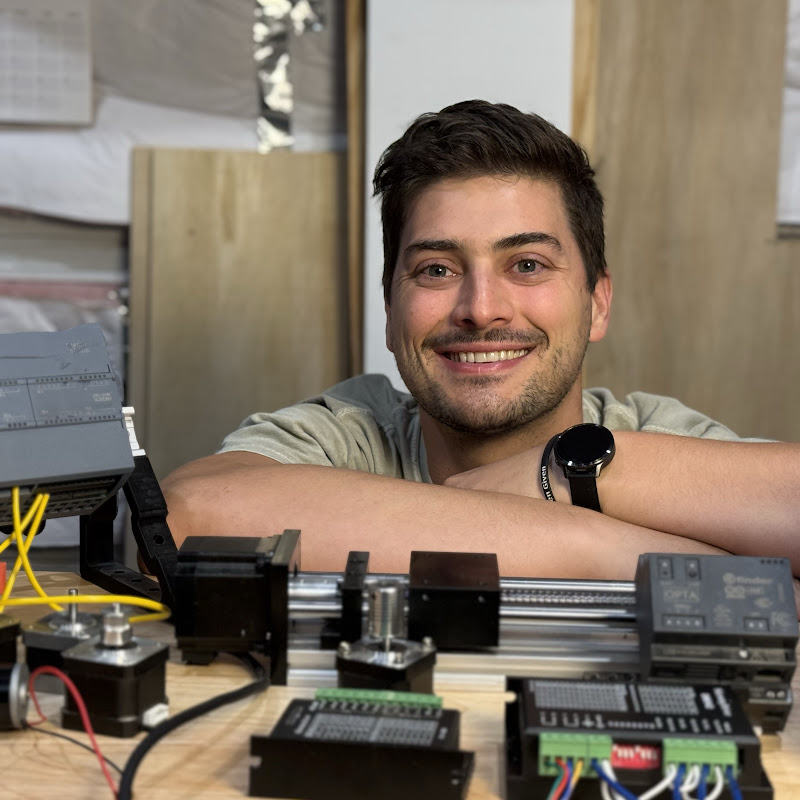
What’s up automation nation? https://linktr.ee/LeMasterTech Facebook: LeMaster Tech Instagram: @lemastertech

1 course

What this channel is known for

AI summary

LeMaster Tech is a channel focused on industrial automation and mechanical design, with an emphasis on aluminum extrusion (T-slot/8020), linear motion systems (ball screws, lead screws, belt drives), and practical build techniques for DIY and professional projects.

Strengths

  • Thorough, detailed explanations of processes and components
  • Clear breakdowns of trade-offs between motion systems (ball screw vs. lead screw vs. belt)
  • Helpful for beginners navigating procurement and design decisions
  • Covers both theory and hands-on assembly techniques

Best for

  • Hobbyists and engineers building custom automation or CNC machines
  • Learners new to industrial framing and motion control components
  • Viewers seeking practical, step-by-step guidance on assembly and design

AI-generated from 47 viewer comments across this channel's videos on YouTube — it summarizes outside comments, not CourseShelf reviews.

Courses by LeMaster Tech

1 course
Intro to Controls and Automation Engineering Full Course!
LeMaster Tech
5h 20m

Intro to Controls and Automation Engineering Full Course!

Beginner

This 17 chapter, 5 hour course is a complete introduction to the world of industrial controls and automation! We begin by talking about what is controls and automation, then cover the most common hardware used in the field, the tools required to service equipment, and the special PLC programming languages. From there we dive in to practical tutorials programming a PLC with the Arduino Opta platform, developing HMI screens and covering SCADA concepts with the Ignition software from Inductive automation, and discussing practical electrical wiring schematics and hands-on examples of wiring inputs and outputs! This course won't make you a total expert in the field but it will cover all the critical basics you need to know to get started! Don't forget to leave a like on the video and subscribe to LeMaster Tech! Thank you to my super supporters on Patreon!! https://www.patreon.com/LeMasterTech EQUIPMENT/SOFTWARE: Arduino Opta PLC: https://amzn.to/4qGXaAu Arduino PLC IDE Download: https://www.arduino.cc/pro/software-plc-ide Ignition for Makers Download: https://inductiveautomation.com/downloads/ Tools (from tools and hardware chapter): 1) Digital Multimeter: https://amzn.to/3XeYAEp Voltage pen: https://amzn.to/3Tfh4mX 2) Wire Strippers: https://amzn.to/3Th7gcg Box Cutter/Utility Knife: https://amzn.to/3Tk7G1G Ferrule Crimping Set: https://amzn.to/3MD50sk 3) Power Supplies: https://amzn.to/47gJCSS Bench test supply: https://amzn.to/3ziCJ71 Metal Box Supply: https://amzn.to/4cSf5w9 4) Electrical Terminal Screwdrivers: https://amzn.to/4ggEGBx Electric Drill + Screwdriver Kit: https://amzn.to/3X9Dszu Hardware (from Hardware episode): 120 AVC to 24 VDC Power Supply: https://amzn.to/3WYfU21 8 Port Switch: https://amzn.to/4aEu4Zx Terminal Block Set: https://amzn.to/44WcQFH 120 VAC Circuit Breaker: https://amzn.to/44XocJk DIN Rail: https://amzn.to/44WF8jp 24 VDC Relays: https://amzn.to/3WYWYA5 TIMESTAMPS 00:00:00 Intro 00:02:08 What is automation and controls engineering 00:17:59 Introduction to automation hardware 00:28:28 Main tools required for automation and controls 00:44:12 Introduction to the PLC programming languages 00:56:14 Introduction to the arduino Opta PLC 01:06:29 Programming in Structured Text 01:22:45 Programming in Ladder Diagram 01:39:00 Introduction to Electrical Wiring and Schematics 02:07:20 Getting Started with Ignition 02:22:21 Expression Tags in Ignition 02:34:10 Python Scripting in Ignition 02:56:22 Animating Objects in Ignition 03:17:52 Connecting the Arduino Opta to Ignition 03:44:47 Sequential Programming 04:23:43 SQL and Historian 04:55:48 IO Expansion Modules 05:06:35 Wiring Buttons and Switches

LeMaster Tech