Vibe Coding with Naman
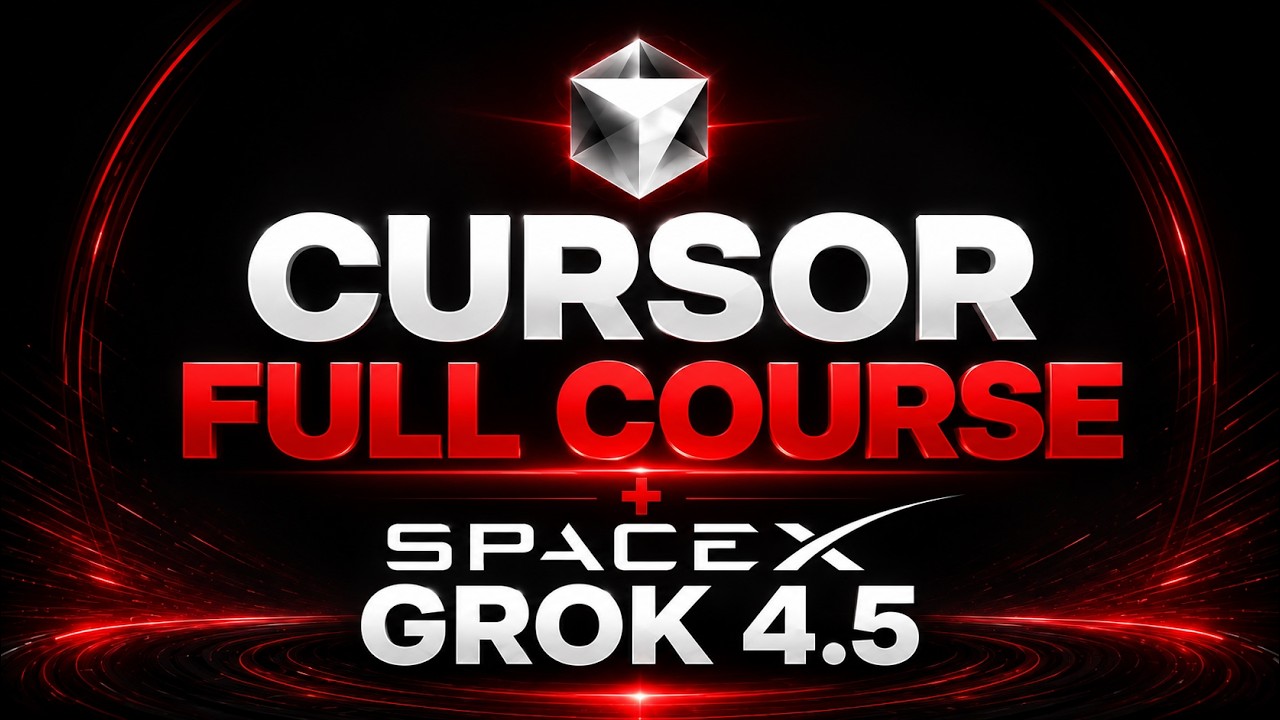
Hi, my name is Naman Gupta, and I teach you how to Vibe Code! On this channel, I create original, hands-on tutorials and full courses that I teach, record, and produce by myself. I teach you how to build apps, websites, and software using the latest tools and technologies, and I break down complex ...
Hi, my name is Naman Gupta, and I teach you how to Vibe Code! On this channel, I create original, hands-on tutorials and full courses that I teach, record, and produce by myself. I teach you how to build apps, websites, and software using the latest tools and technologies, and I break down complex concepts through my own explanations, demonstrations, and project walkthroughs. YouTube is my passion, and so is building software. Each one of my videos and tutorials is crafted from scratch to share what I’m learning, what I’m building, and how you can apply vibe coding to become a better developer. My goal is to help you understand modern Vibe Coding in a clear, practical, and enjoyable way, and that’s why I teach on YouTube. I try my best to teach, I try my best to learn, and I’m happy to share this journey with all of you here on Vibe Coding with Naman. Peace and Faith ✌️
What this channel is known for
AI summaryThis channel teaches 'vibe coding' — building apps, websites, and software using AI coding tools like Claude (Sonnet, Composer 2.5) and frontier models, with a focus on practical, hands-on project walkthroughs and full courses.
Strengths
- Clear, hands-on tutorials and full courses
- Covers latest AI coding tools (Claude Sonnet, Composer 2.5, API usage)
- Breaks down complex concepts through demonstrations and project walkthroughs
- Useful for both non-coders and experienced developers
Best for
- Non-coders wanting to build software with AI assistance
- Developers looking to integrate AI tools into their workflow
- Learners interested in practical, project-based tutorials on AI-assisted development
- People exploring vibe coding as a side freelance or business opportunity
AI-generated from 18 viewer comments across this channel's videos on YouTube — it summarizes outside comments, not CourseShelf reviews.